
Start with what you already own
Bring your Plex libraries into discovery. Focus on media in your collection rather than another outside recommendation catalogue.
Free VISINVOKE companion
Your own library.
A few strong choices.
Something that fits tonight.

Rediscover your library
A full server can still leave you wondering what to choose.
Bring your Plex libraries into discovery. Focus on media in your collection rather than another outside recommendation catalogue.
Keep lasting preferences, tonight’s mood and the people watching in view. Review a few strong choices and hand playback back to Plex.

Your library as the starting point
The illustration shows a media collection feeding a selection through library context, with a few highlighted titles at the end.
Plex Discovery draws its viewing context from your Plex data. Bring permanent taste and hard exclusions into the selection, then choose what fits the evening.
What you can do
Keep the reasons for a viewing choice in one companion.
Find choices among the media on your own Plex server. Keep discovery focused on the library you already have.
Move from a wall of posters to a short selection worth considering. Spend your evening watching rather than endlessly scrolling.
Use LOVE, LIKE, NEUTRAL, LESS and AVOID to describe your lasting preferences. Keep that taste model separate from a single evening.
Set the things you want excluded alongside your preference levels. Use these boundaries as part of your discovery preparation.
Choose what fits tonight without replacing your permanent taste. A changing mood belongs to the current viewing session.
Choose more than one household profile for a shared session. Bring the people watching into the choice.
Use viewing characteristics derived from your Plex data. Keep the discovery context tied to your own library.
Use the companion in Desktop Control Centre. Open your VISINVOKE products through your signed-in account.
The companion spans Android phones and tablets and Google TV. Choose the viewing context that suits your household.
Hand the chosen media back to Plex for playback. Your library and the watching experience stay connected.

A shared evening
The illustration brings a household’s different tastes together around a television and a personal media library.
Use Watch Together for a shared session. Choose who is watching, keep each profile’s lasting taste separate from tonight’s mood and consider a few strong choices.
A direct viewing workflow
Connect the library, describe your preferences and choose the session.
Begin with the libraries on your Plex server. Keep discovery grounded in the media available in your collection.
Mark LOVE, LIKE, NEUTRAL, LESS and AVOID, and add hard exclusions. These preferences describe what you usually enjoy.
Select who is watching and the mood for this session. Bring more than one profile together with Watch Together.
Consider the short selection from your library. Choose the media and hand playback back to Plex.
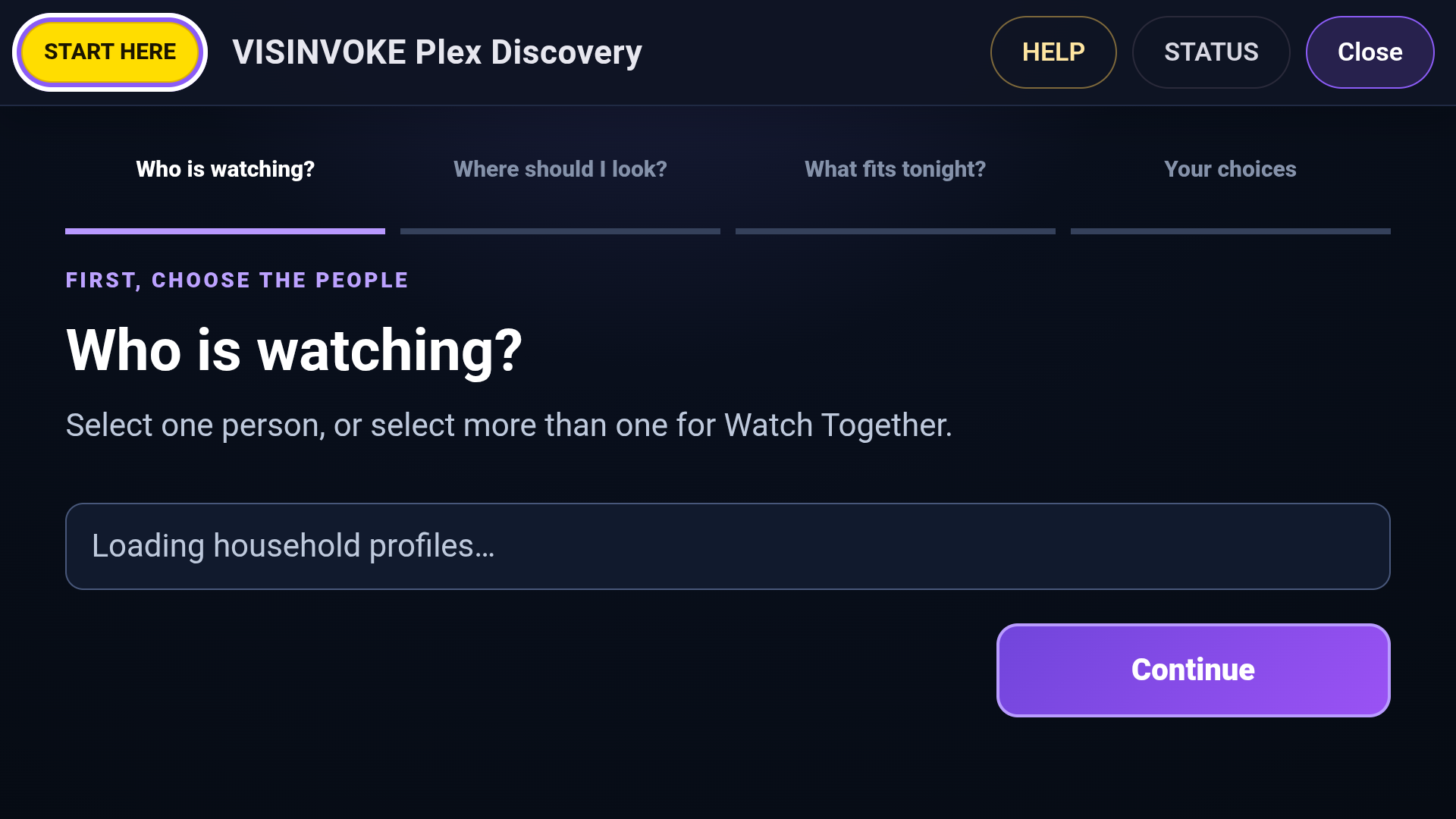
Begin with the viewers
This product view shows the opening discovery step: choose one person, or choose more than one for Watch Together.
The route keeps the people watching, where to look, what fits tonight and the final choices in sequence. Begin with the household context before choosing the media.
Keep taste and mood distinct
A different kind of evening does not replace what you normally enjoy.
Describe permanent taste with LOVE, LIKE, NEUTRAL, LESS and AVOID. Add hard exclusions where you need a firm boundary.
Use tonight’s mood for the current session. Keep it distinct from the taste model you use over time.
Select one viewer for a personal session or multiple profiles for Watch Together. Put the people watching before the final choice.
Derive discovery context from your own Plex data. Keep the recommended media and playback tied to your library.
Your workspace and related products
Library discovery and other useful exploration tools.

Open Plex Discovery in your desktop workspace. Get Desktop Control Centre through your account installer page.

Explore books and related reading records in its own VISINVOKE workspace. Keep each product’s exploration in its own context.
The illustrations represent library context and shared viewing. The product view shows the opening viewer-selection step.
Questions and answers
Your library, preferences, household context and Plex playback.
A few strong choices from your own Plex libraries. It brings your media, permanent taste and tonight’s mood together rather than directing you to an outside catalogue.
Use LOVE, LIKE, NEUTRAL, LESS and AVOID, together with hard exclusions. Your lasting preferences remain separate from the mood you choose for tonight.
Watch Together uses more than one household profile for a shared session. Begin with who is watching, then choose the library context and what fits tonight.
Plex Discovery uses structural viewing characteristics derived from your Plex data. Recommendations stay within your own Plex library context.
The selected media is handed back to Plex for playback. Plex Discovery is the companion for finding a few choices from your library.
Create a free VISINVOKE account or sign in. Get Desktop Control Centre through your account installer page and open Plex Discovery. It is a free VISINVOKE companion spanning DCC desktop, Android phone and tablet, and Google TV.
Continue in VISINVOKE
Create a free VISINVOKE account or sign in. Get Desktop Control Centre through your account installer page.
Open Plex Discovery and rediscover your library. The companion is free with your VISINVOKE account, with playback handed back to Plex.